School Boundaries
To find your assigned school, open the District Boundary Map, click the magnifying glass, and type your address. Then select your location on the map—the school will appear in the left panel. (Boundaries are subject to change.)
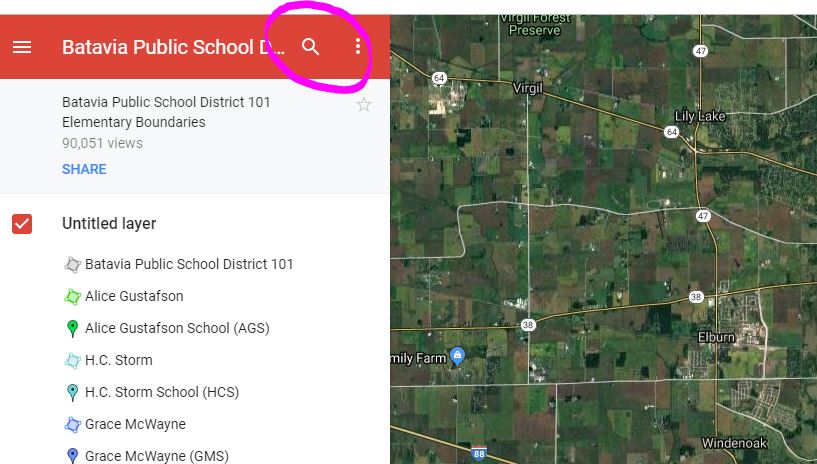

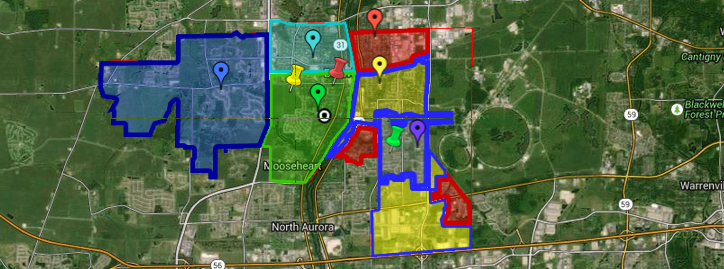
To find your assigned school, open the District Boundary Map, click the magnifying glass, and type your address. Then select your location on the map—the school will appear in the left panel. (Boundaries are subject to change.)
Tuesday, Oct 20th 7:00pm
Tuesday, Nov 3rd
Tuesday, Nov 17th 7:00pm